



CNC Wood Working Complete Guide
In CNC wood working, automated CNC routers cut wood with exact computer control. In this process, you will get precise results for complex shapes and production runs. In this article, you will read about the machines, tools, setup, and best practices for CNC wood working.
Contents

What is CNC wood machining?
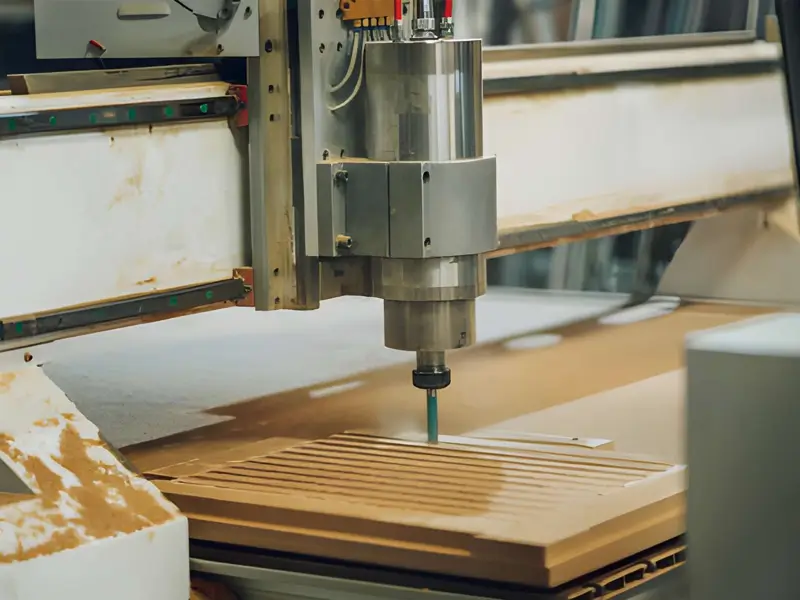
CNC wood machining is a computer controlled process. It uses G code, which is a set of coded instructions, to tell the router where to move. You can cut, carve, and shape wood with high precision by incorporating automated routers.
CNC wood machining can produce repeatable furniture parts, cabinetry, signs, prototypes, and complex designs. Consistency still depends on the machine, workholding, tooling, and setup.
Choosing the right CNC machine for wood
The first step is to choose the correct machine type. You can choose between small, light hobby routers and large, heavy production routers. There is a choice like you can select a production model for full time work and higher rigidity.
Size, Power, and Rigidity
Consider working area, spindle capability, and rigidity when choosing a CNC router. Cutting capacity depends on tooling, feed, workholding, and machine stiffness as well as spindle power; power alone does not determine how quickly thick stock can be cut.
Quick Buying Checklist
- Look at work area size and spindle RPM range.
- Check frame stiffness, construction, and motion-system performance; greater weight alone does not establish better rigidity.
- Confirm the controller compatibility and dust collection system.
Essential Tooling and Bits for Wood
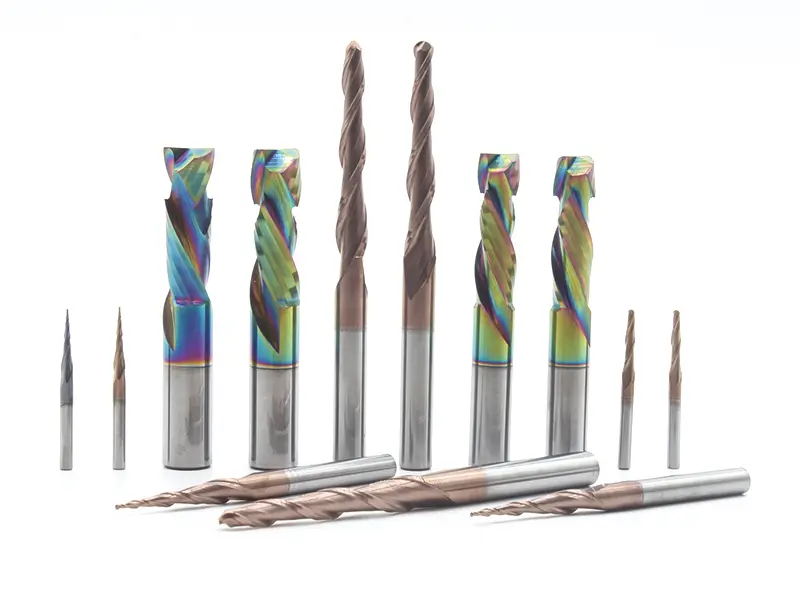
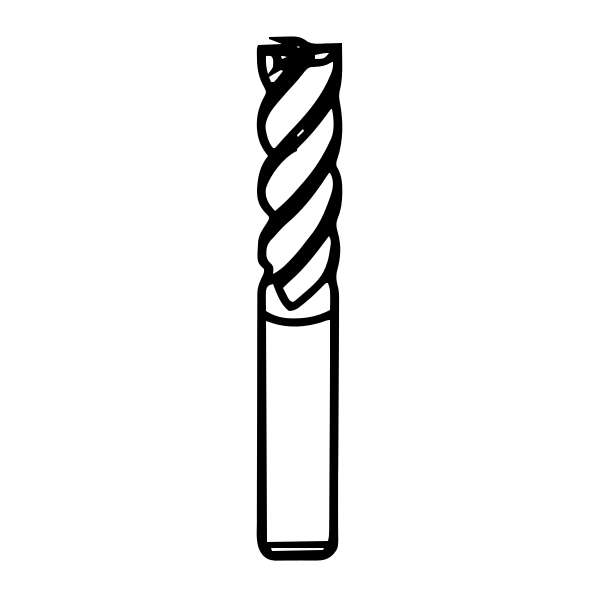
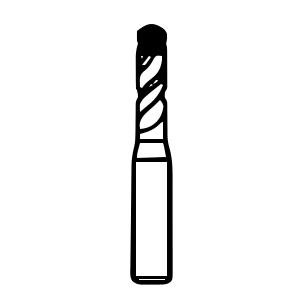
Common cutters include straight bits and spiral bits with upcut or downcut geometry. Suitable compression bits can protect both faces when correctly positioned. V-bits serve engraving and V-carving, while ballnose bits suit many contoured surfaces. Select carbide or other cutter materials for the actual job rather than prescribing one material for every wood bit.
When to use which bit
- Plywood/laminates: Position a suitable compression bit so the upcut/downcut transition lies within the stock; shallow passes that use only the upcut section do not protect the top face.
- Downcut Spiral Bits. You will use these for superior top surface finish.
- Hardwood straight/spiral bits for clean, deep cuts.
- Carving ballnose/V-bit for texture.
Planer Blades

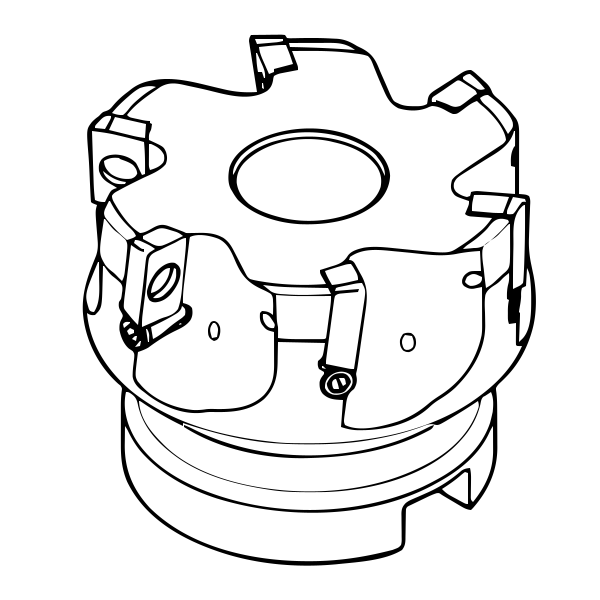
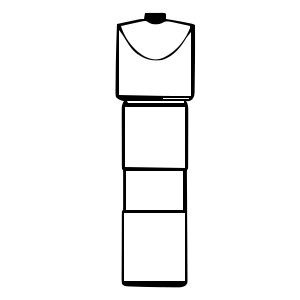
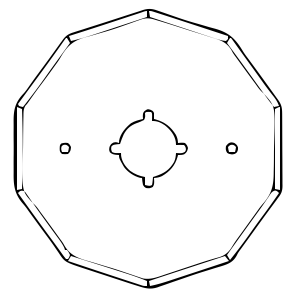
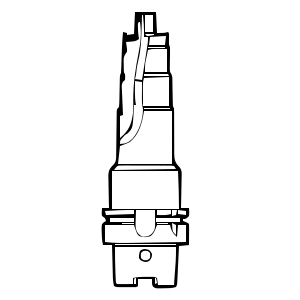
Planer blades belong in compatible planer cutterheads, not directly in a CNC router collet. HSS, carbide-tipped, solid carbide, and disposable designs serve different applications. Life and damage resistance depend on grade and use; carbide is not universally the toughest. Replaceable knives may have different numbers of usable edges and should be indexed or replaced as specified.
Circular Saw Blades
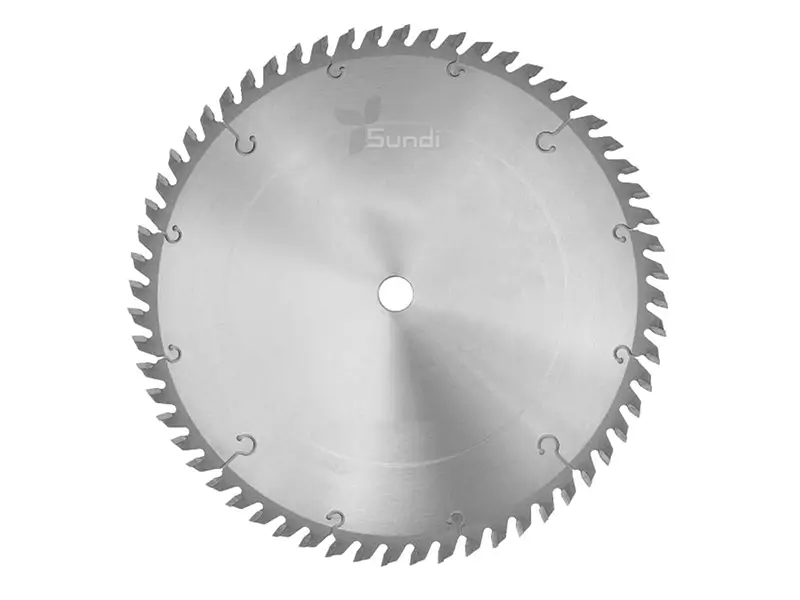
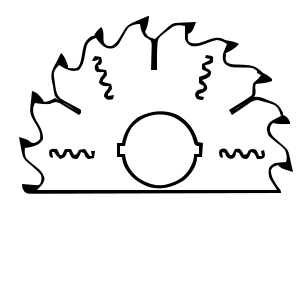
Circular saw blades require a compatible saw or an expressly approved CNC sawing attachment; do not fit them directly to an ordinary router spindle. Ripping blades generally favour along-grain cutting, crosscut blades across-grain cutting, and combination blades mixed work. Select the actual tooth geometry for panels or veneers; a high tooth count alone does not prevent splintering. Thin-kerf blades remove a narrower cut but must match the machine.
Feed, Speed and Depth of Cut
The main settings include spindle RPM, feed rate, depth of cut (DOC), and stepover. RPM is rotational speed; feed is tool travel per unit time, DOC is the cutting depth, and stepover is the lateral distance between adjacent passes.
Why Feeds Matter?
Feed per tooth is commonly estimated as feed rate divided by RPM and the number of cutting flutes, using consistent units. Actual chip thickness also depends on cutter engagement. Too little chip thickness can cause rubbing; excessive load can damage the tool or work. Use the cutter maker’s application data.
Practical Starting Values
- Start from the manufacturer’s data for the specific bit and material; simply reducing feed without matching RPM can increase rubbing.
- The example 16,000-18,000 RPM and 1000 mm/min is not a universal starting setting. Suitability depends on bit diameter, flute count, engagement, material, and machine limits.
- Always test on scrap material first to check for burning or excessive tearout.
CAM and File Preparation: CAD CAM G-code
Begin with CAD geometry in a format your CAM supports: DXF or SVG for many 2D profiles, and STL meshes or STEP solids for suitable 3D work. Check units, model scale, and import capability before creating toolpaths.
CAM Steps
In CAM, define the stock, work origin, tool, cutting settings, and workholding clearances. Add suitable tabs and lead-ins, simulate the toolpath, and generate code using a postprocessor matched to the controller. Simulation alone does not verify the physical setup.
Common Toolpath Choices Explained
- Profiling: Cutting the outer or inner edge of a shape.
- Pocketing: Clearing material from a defined area.
- V-carve: Using a V-bit for detailed lettering or etching.
Workholding, Spoilboards and Setup tips
Clamps, suitable double-sided tape, vacuum, or screws into a spoilboard can hold wood, depending on the job. None is automatically the most secure choice. Check holding force and keep all fasteners and fixtures clear of the toolpath.
Use an appropriately flat spoilboard and establish the work coordinate system consistently with CAM. Z zero may be on the stock top, stock bottom, or another chosen datum; it is not always the material’s top surface.
Surface finish, Sanding and Finishing Best Practices
Select climb or conventional toolpaths for the CNC machine, material, and setup. Climb describes feed relative to cutter rotation; it does not mean the flutes push fibers downward. Upcut or downcut geometry controls that axial action. Test edge quality with suitable sharp tooling.
Sand as needed to remove tool marks, then follow the chosen finish system’s preparation instructions. Use filler or sealer only where appropriate and compatible; a separate sealer is not required for every topcoat.
Safety and Maintenance
Use appropriate PPE, dust extraction, and machine guarding. Keep clear of moving tools and axes, know the emergency-stop procedure, and follow the machine’s operating instructions. Respiratory and hearing protection must suit the exposure.
Isolate power before maintenance and follow the manufacturer’s schedule for fasteners, belts, and lubrication. Clean accessible dust safely; opening electrical cabinets or servicing internal electronics should be left to qualified personnel under the specified isolation procedure.

Troubleshooting Common Problems
Diagnose poor cuts before changing settings. Tear-out can involve grain, tool geometry, sharpness, or support. Burning may involve rubbing, resin buildup, poor chip evacuation, or unsuitable settings. Tool breakage can also involve runout, clamping, collision, or damage. Correct the cause within manufacturer limits; do not automatically increase feed or reduce RPM.
Summary
CNC routers are a powerful tool for precision woodworking and complex designs. Mastery comes from understanding feeds, speeds, and proper tool selection. Start with simple projects and continually test to improve your results.
FAQs
What is CNC in woodworking?
CNC stands for Computer Numerical Control. It uses G code to guide a router automatically. This allows for precise, repeatable, and complex 3D cuts in wood.
Do CNC machinists make a lot of money?
The figures $52,900 and $69,880 need a dated source and clearly defined occupations before they can be treated as average or median US pay. Earnings vary by location, role, and experience; these unsourced figures should not be used as current salary benchmarks.
What is the best CNC for woodworking?
There is no single best machine for every workshop. Compare working area, rigidity, spindle capability, controller, support, and budget. Sainsmart Genmitsu and Carbide 3D Shapeoko are examples mentioned here, not a verified ranking or universal recommendation.
What is the free CNC software for woodworking?
Autodesk Fusion for personal use provides limited capabilities for qualifying non-commercial home use; it is not a free commercial workshop licence. Easel also offers a free tier with usage and feature limits. Check the current vendor terms, machine compatibility, and required toolpaths before choosing either.